
Every Feature You Need to Run a Chauffeured Transportation Business
Reservations and Dispatch in One Live Board
Every reservation — phoned in, booked online, sent by an affiliate, or entered by your night dispatcher — lands in one live board. Drag a trip onto a driver. Drag a vehicle onto a slot. See conflicts the second they happen.
Color-coded trips by service type, status, and driver
Real-time conflict detection for double-booked drivers or vehicles
One-click duplicate for round trips and recurring corporate runs
Run sheets generated automatically — printable or pushed to driver phones
Live trip status: assigned, en route, on-location, passenger on board, completed
Affiliate dispatch with farm-in and farm-out tracking


Track Every Vehicle from Purchase to Trade-In
Vehicle class library (Executive Sedan, Luxury SUV, Stretch, Sprinter, Motorcoach, Party Bus)
Maintenance schedule by mileage or calendar
Fuel and odometer logs
Document storage for registration, insurance, and inspections with expiry alerts
DOT and CDL document tracking
Vehicle assignment history per driver
A Run Sheet, a Map, and a Tip Prompt — On Every Driver's Phone
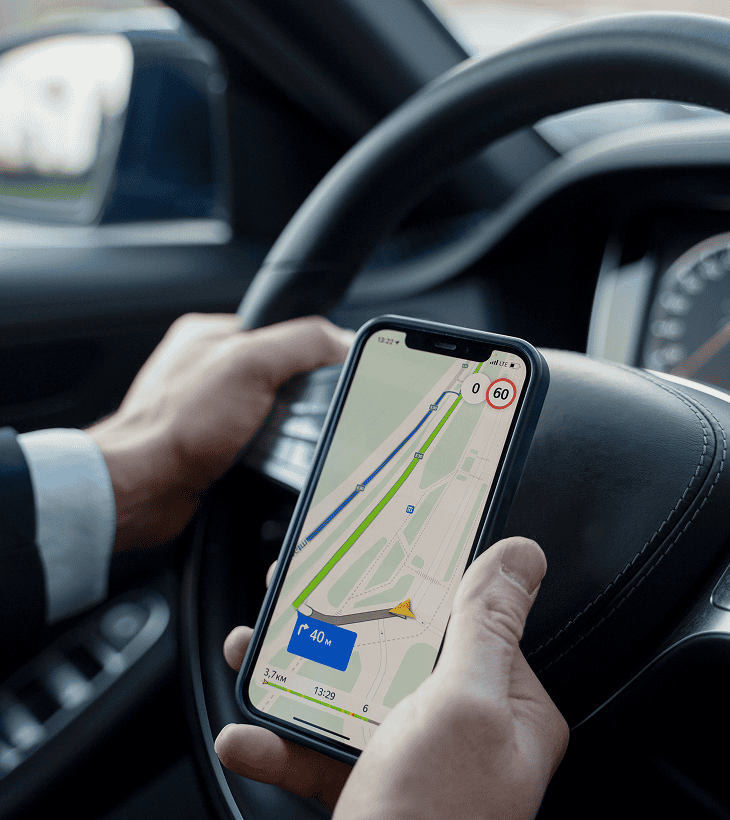
Mobile run sheet with the full day's trips
Turn-by-turn navigation handoff to Apple Maps, Google Maps, or Waze
Trip status updates with one tap (En Route, On-Location, POB, Completed)
Digital signature capture for corporate runs
Tip capture at drop-off with split rules per chauffeur
Hours-of-service log for DOT-regulated operators
A Booking Widget on Your Site That Actually Converts
One-line embed (script tag or iframe)
Branded colors, logo, and vehicle photos
Instant pricing by trip type (Point-to-Point, Hourly, Airport Transfer, Round Trip, Wedding Package)
Vehicle class selection with photos and capacity
Real-time availability based on your fleet and existing reservations
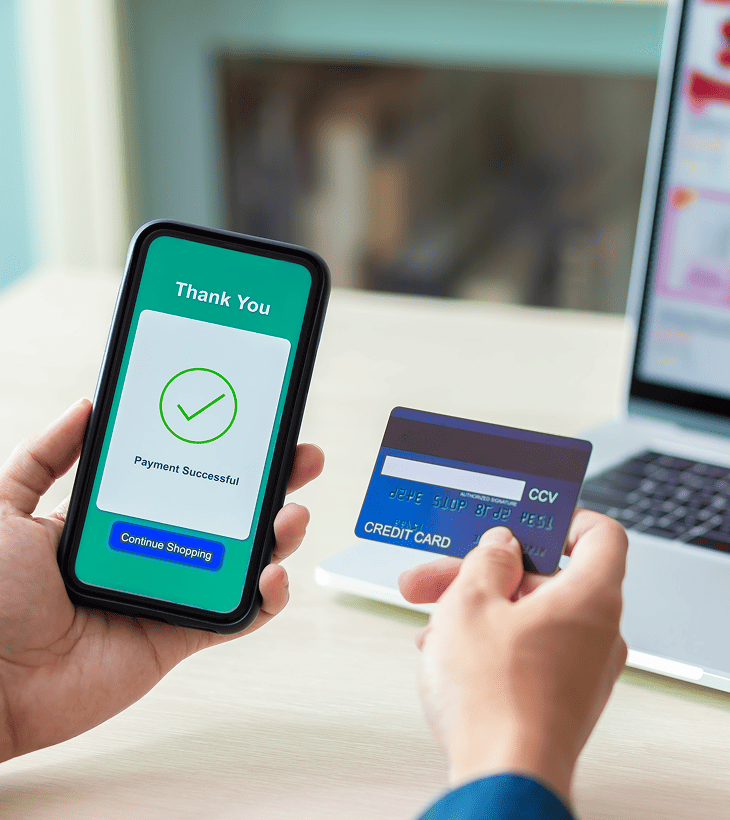
Deposit capture at booking with the balance held on file
Mobile-first design
Quote, Confirm, Charge, and Reconcile in One Place
Quote templates for common trip types
One-click checkout link by email or SMS
Deposit-and-balance billing
Saved cards on file for repeat customers and corporate accounts
Tip and gratuity handling with chauffeur-level reporting
Refunds and adjustments tracked at the reservation level
QuickBooks Online sync
Powered by Host Merchant Services — no software surcharge on top of processing

Every Passenger, Every Preference, Every PO Number
Passenger profiles with preferences (preferred chauffeur, water/no-water, child seat, accessibility needs)
Corporate account hierarchy — Company → Cost Center → Traveler → Travel Coordinator
PO number and reference field requirements per account
Net-30 monthly statement billing
Saved cards and automatic billing rules
Travel coordinator portal for booking on behalf of others
Custom rate cards per corporate account
Know What Makes Money and What Does Not
Revenue dashboards by service type, vehicle class, and time period
Driver utilization and hours
Vehicle hours, mileage, and revenue-per-mile
Repeat customer and corporate account spend
Affiliate farm-in vs farm-out margin
Scheduled reports emailed to operators and accountants
QuickBooks Online export


Dispatch from a Wedding, a Hotel Lobby, or a Hospital Curb
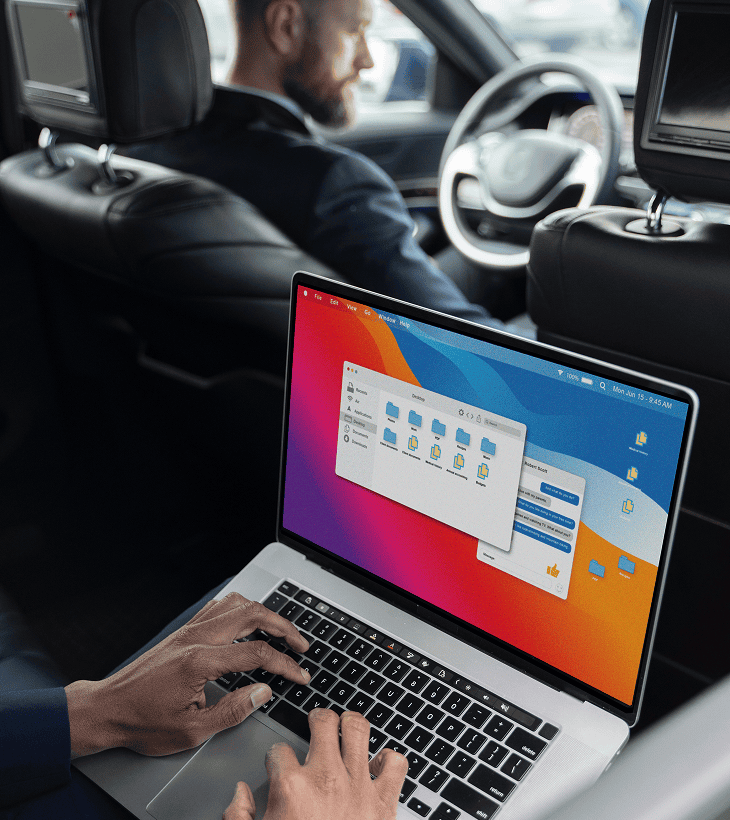
Operator view: dispatch board, customer search, quote sending, payment capture
Driver view: run sheet, navigation handoff, trip status, tip capture, signature capture
Push notifications for new assignments, customer messages, and trip status changes
Offline mode for tunnel and basement coverage